
A website that introduces you before the client sends the first message.
A person looking for a psychologist is looking for safety, trust and a sense that they have found the right specialist. Vidchuy Biz creates a professional practice space: photo, approach, services, booking form, map, calendar and a clear path to the first consultation.
Your personal website/practice space can be created in under 3 minutes · one plan · your own link
Website preview
Private practice website

✓ Professional first screen
✓ Services and support areas
✓ Map, calendar and booking form
✓ Public link for clients
Social media creates attention. A website helps clients decide.
A client may find you through a recommendation, a post or search. Before sending the first message, they want the full picture: who you are, what you help with, how sessions work, where you meet and whether booking is simple. When everything is in one calm place, the first step becomes easier.
Personal brand without social media chaos
More trust before the first contact
Booking, map, calendar and payments in one path
The platform turns your practice into a website that works like a digital office.
You answer a few questions about your practice, city, formats, specializations and communication style. The system prepares the website structure: hero, trust block, support areas, services, FAQ, booking form and SEO foundation. You do not need to think like a designer, copywriter or developer.
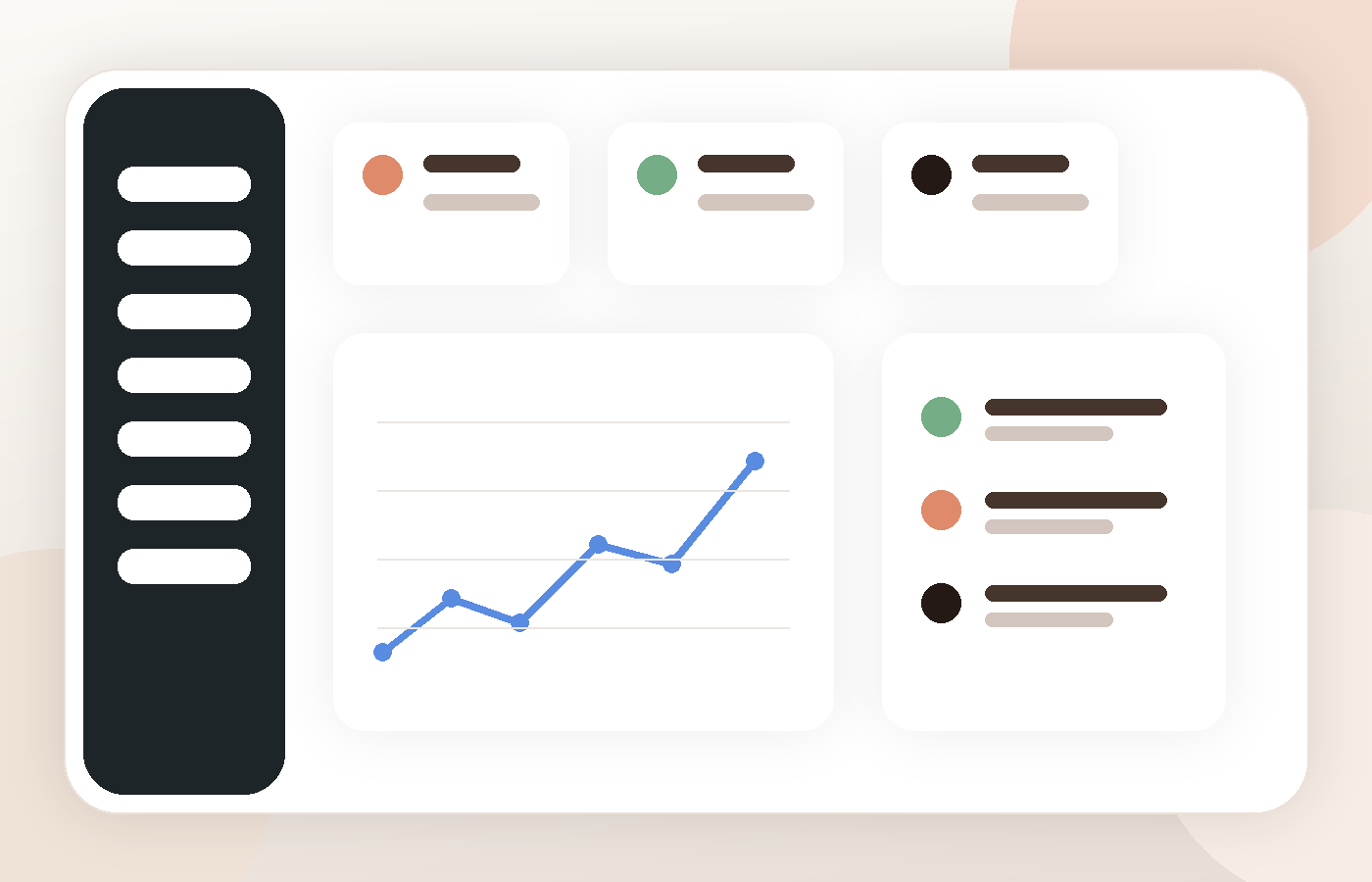
Website structure adapted to your practice
Texts explain your approach warmly and professionally
Clients receive a clear public link
Inquiry path without unnecessary steps
What the psychologist gets after website creation
This is not an empty template. The platform creates a trust path — from the first impression to a consultation request.
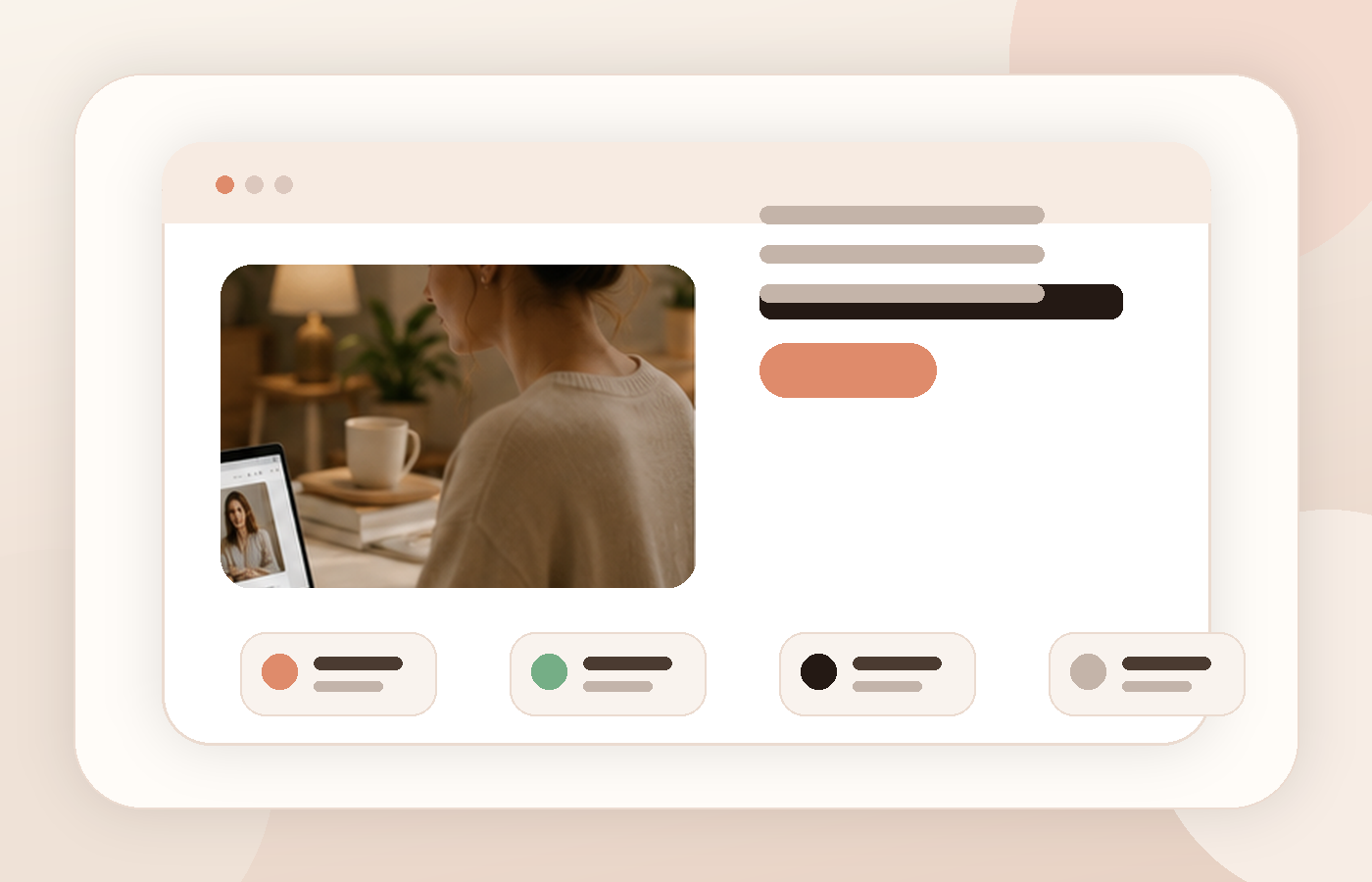
Hero section with positioning, photo and clear CTA
Client-recognition block without pressure
Approach description that feels professional and human
Service pages for consultations, support areas and online/offline formats
Contact form and a clear booking path
FAQ about first session, confidentiality, payments and format
SEO-ready structure and a base for future articles
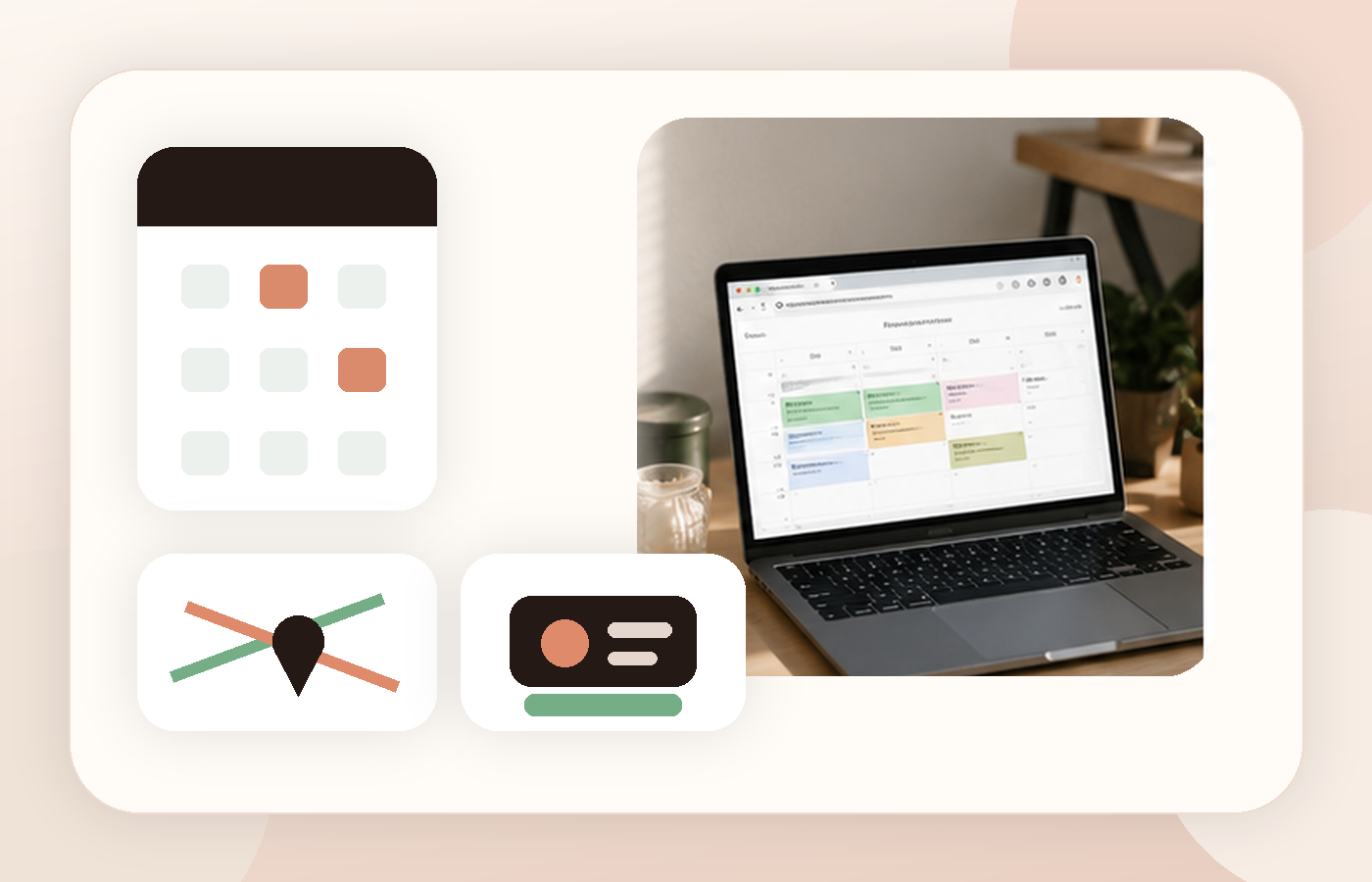
Calendar, map and payments turn the website into a working tool.
We added the ability to connect Google Calendar and map through your Google account. Your website can show the office location, collect consultation requests and accept payment during session registration.
Connect your personal calendar for better scheduling
Help clients understand where offline sessions happen
Accept payment when a client registers for a session
One plan without confusion
One access includes the platform, website generator, dashboard, public link, map/calendar, inquiries and core infrastructure for client work.
From payment to your own website — in under 3 minutes
The flow is intentionally short: no weeks of waiting for design, edits and technical launch. After payment, open the dashboard, complete the questionnaire and receive a website with your own link.
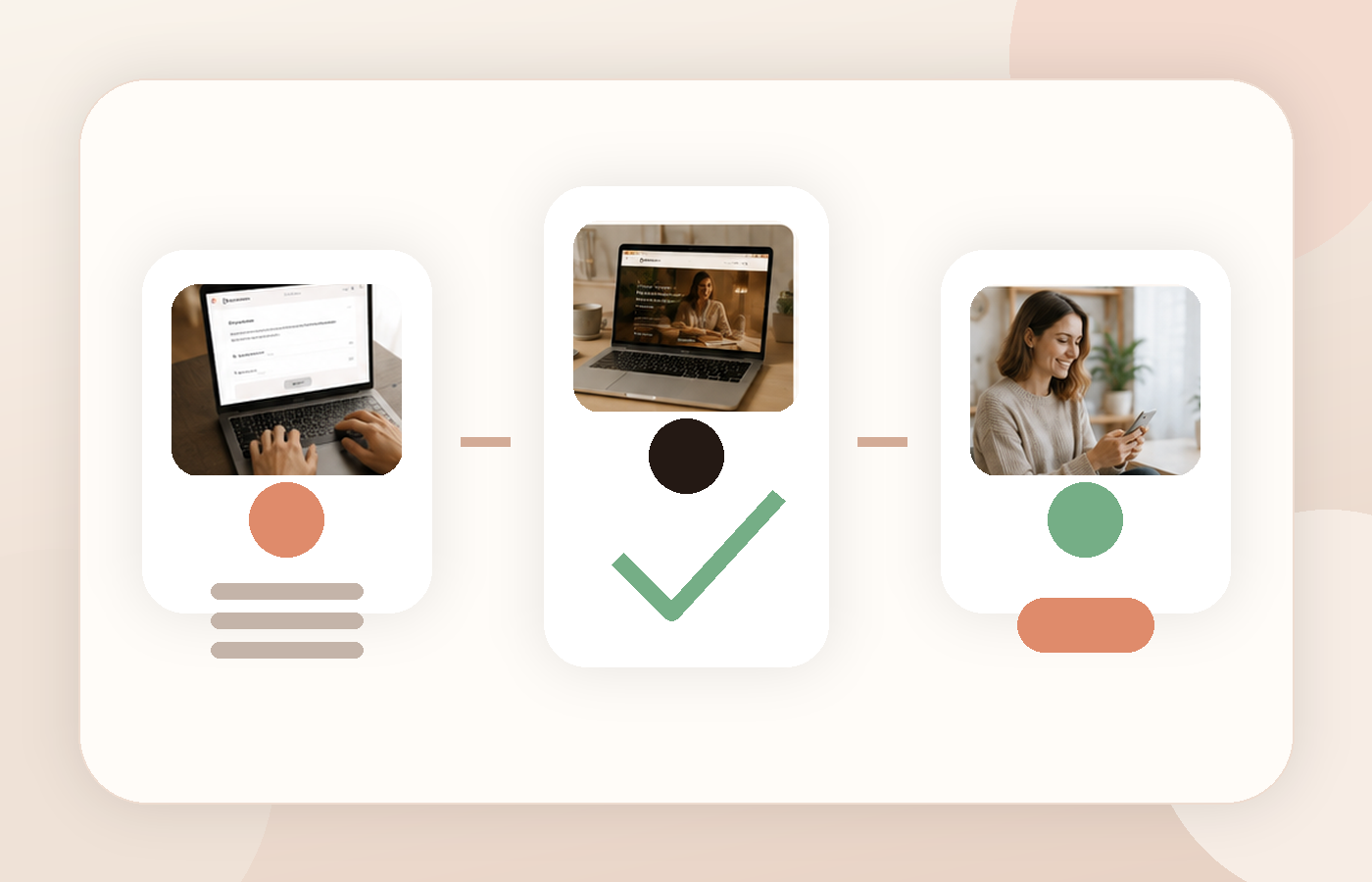
Create an account and continue to secure payment
After the payment callback, access activates on your account
Run the generator and receive your website in minutes
Questions before starting
Can I connect calendar and map?
Yes. The platform supports Google Calendar and map through your Google account.
Can I accept payments for sessions?
Yes. The website can support payment during session registration.
Why is the generator behind payment?
Website generation uses AI resources, so generator access is protected by payment.
Can I edit the website later?
Yes. After launch, you can use the dashboard to manage settings, services and inquiries.